 NexAIX-官方博客
To determine whether an API is backed by the original model, you cannot rely on asking it "Which model are you?" A more reliable approach is cross-validation, with four categories ordered from low to high cost:
- Check response fields and usage statistics to confirm protocol features are intact.
- Use fixed probe questions to test knowledge cutoff and capability limits.
- Stress-test long contexts to ensure they are not secretly truncated.
- Check first-token latency and decoding speed as auxiliary signals.
Let's clarify a boundary first: OpenAI, Anthropic, DeepSeek, and other vendors currently do not digitally sign their responses, so the methods below are engineering-reviewable checks, not cryptographic proof. An anomaly in a single item is only a clue; a conclusion is solid only when multiple items are anomalous simultaneously.
Why asking "Who are you" doesn't count
Before a request reaches the model, it passes through the service provider's intermediary layer. This layer can inject a System Prompt making the model claim any name. On the other hand, many open-source models have training corpora mixed with dialogues from other vendors' models, so even without tampering, their self-perception may be wrong. Thus, a model's self-reported identity can be either forged or inherently inaccurate and cannot be used as evidence.
Step 1: Check response fields and usage
This is the lowest-cost step; a simple script can run it. The most useful practice is to compare against a trusted baseline: if you have an official direct API key, send the exact same request (same messages, temperature=0) to both the official and the endpoint under test, then compare results.
Focus on these items:
- Does prompt_tokens match? For the same input, the same model's tokenization is deterministic. If the endpoint under test reports significantly more input tokens than the official one, a hidden System Prompt may have been injected; if the discrepancy is huge and matches no known tokenizer, the backend may be a different model family entirely. For OpenAI-family models, you can use tiktoken locally for reference; other vendors use their own tokenizers and should not be mixed.
- Are vendor-specific fields present? For example, Anthropic's API returns
cache_creation_input_tokensandcache_read_input_tokensin usage when Prompt Cache is enabled; reasoning models (e.g., DeepSeek-R1) should have separatereasoning_contentchain-of-thought output and reasoning token statistics; some OpenAI-ecosystem responses includesystem_fingerprint. Services using reverse-engineered channels or swapped models often lack these fields, or the fields exist but their values are clearly unreasonable. - Watch for protocol conversion. If you call an Anthropic model via an OpenAI-compatible format, the provider performs format mapping, and native fields may be renamed or omitted. Whether missing fields are suspicious depends on whether the endpoint's documentation states which protocol features it passes through.
The following Python code uses a streaming request to capture usage, fingerprint, and latency in one go; it will also be used in Step 4:
import time
from openai import OpenAI

client = OpenAI(base_url="https://待测端点/v1", api_key="YOUR_KEY")

def probe(model, messages):
    t0 = time.time()
    first = None
    usage, fp = None, None
    stream = client.chat.completions.create(
        model=model, messages=messages, temperature=0,
        stream=True, stream_options={"include_usage": True},
    )
    for ev in stream:
        if ev.choices and ev.choices[0].delta.content and first is None:
            first = time.time()
        if ev.usage:
            usage = ev.usage
        fp = getattr(ev, "system_fingerprint", None) or fp
    t1 = time.time()
    ttft = (first - t0) if first else None
    speed = usage.completion_tokens / (t1 - first) if (usage and first) else None
    return {"usage": usage, "fingerprint": fp, "ttft": ttft, "tokens_per_s": speed}
Some endpoints do not support stream_options; in that case usage will be empty, and you can switch to a non-streaming request to get usage separately.
Step 2: Use fixed probes to test capabilities
A System Prompt can change a model's tone and self-identification, but cannot change what it truly knows or can do. Probes fall into two categories:
- Knowledge cutoff probes: Ask about events that fall exactly at the boundary of different models' knowledge cutoffs. Things the original model should know may be answered incorrectly or fabricated when replaced by an older or smaller model.
- Capability limit probes: High-difficulty math problems (e.g., AIME level), complex code refactoring, reasoning problems with logical traps. Large and small models differ greatly in pass rates on such problems.
Three points to note in practice: fix the problem set and reuse it repeatedly; run each problem multiple times to observe pass rates, as a single correct or incorrect answer is not informative; and preferably compare side-by-side with official direct results.
Step 3: Long-context stress test
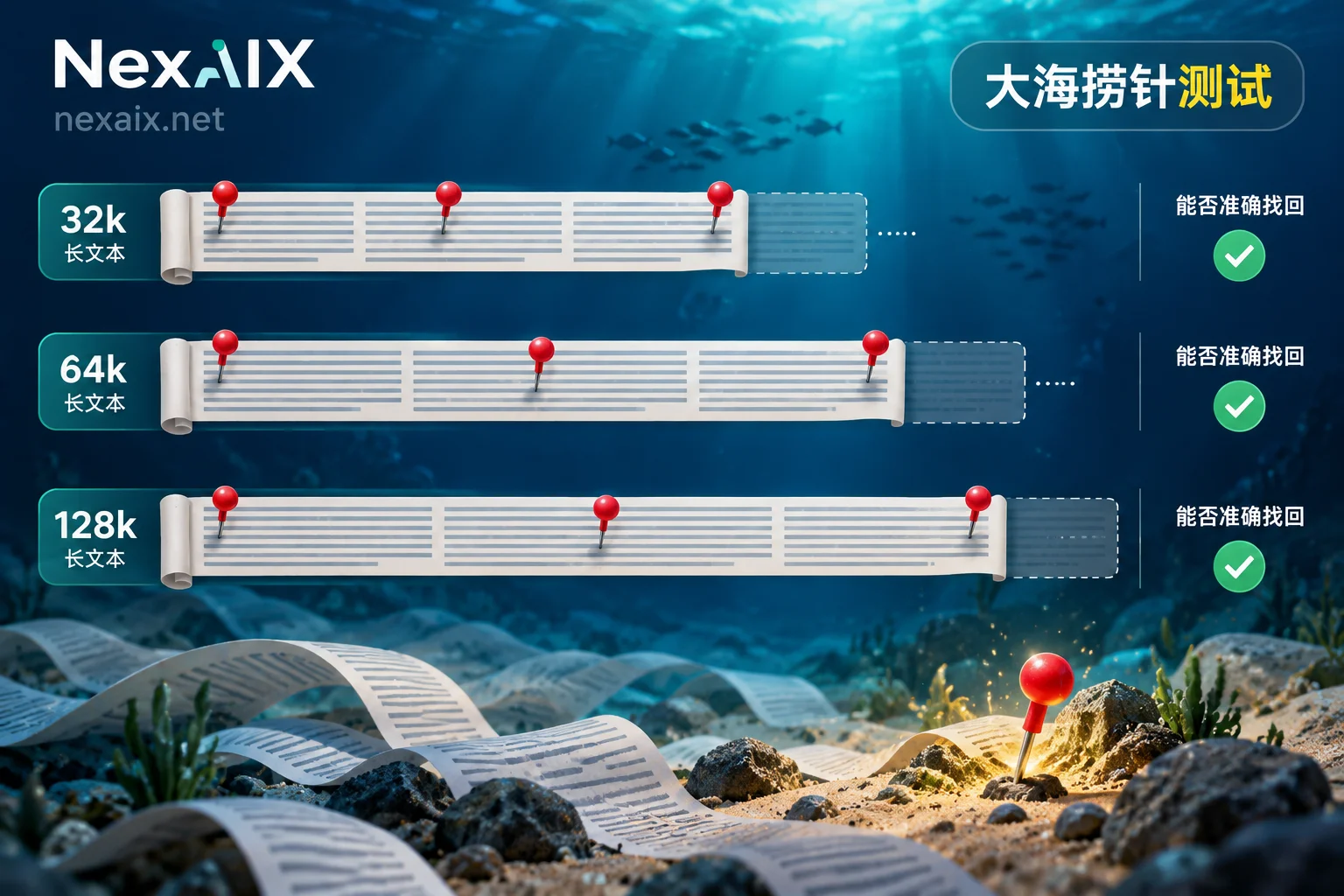
Truncating a nominal 128k or 200k context to 8k or 16k at the gateway is a common way to reduce VRAM overhead, and is hard to notice in daily short conversations. You can use a "needle in a haystack" test: embed an instruction or key information at a random position within irrelevant text of 32k, 64k, and 128k lengths, and ask the model to find it precisely.
The following conditions essentially confirm context truncation:
- Errors or timeouts beyond a certain length, which is far below the nominal value;
- Inability to answer when the needle is at the beginning or middle, but success when at the end;
- Returned prompt_tokens significantly less than the actual length you sent.
If only the output becomes shorter, first check finish_reason to rule out max_tokens settings; refer to What to Do When Large Model API Output Is Truncated. Also test Tool Calls and JSON Schema / Structured Outputs along the way: original models usually output strictly according to schema, while substituted models are more likely to miss fields or produce malformed formats.
Step 4: First-token latency and decoding speed, only as auxiliary
Large-parameter and small models have physical differences in first-token latency (TTFT) and tokens per second on GPUs. If a claimed flagship model's throughput is as fast as a lightweight model, or if speeds fluctuate wildly across a batch of requests as if switching between models, it's worth suspecting a backend swap or mixed scheduling.
However, this signal is easily interfered with: network latency, server load, batching strategies, and cache hits all affect the numbers. It is suitable for detecting sudden changes in long-term monitoring, not for drawing conclusions alone.
Reduced-precision quantization is hardest to detect
Quantized deployment (e.g., from BF16 to lower precision) does not change the model name and may not change fields; it mainly manifests as quality degradation on complex tasks, which can only be indirectly detected via probe pass rates in Step 2. Precision itself is not inherently worse when lower; for the trade-off between FP8 and BF16, see What's the Difference Between Model Inference Precision BF16 and FP8. In practice, a more realistic approach is to require the provider to explicitly state deployment method and precision, then spot-check with probes.
Turn checks into routine tasks
Passing a one-time verification does not mean it will always be fine. For production environments, we recommend:
- Fix the above scripts, probe questions, and three-length needle-in-a-haystack cases into a small test suite;
- On first integration, run against the official baseline and record token counts, pass rates, TTFT, tokens/s;
- Then rerun periodically or after provider announcements, comparing with the first records, focusing on sudden changes rather than absolute values.
When choosing a provider, first see if it lets you verify
Technical checks are a fallback; the provider's own transparency is equally important: whether it clearly explains its supply method, whether quotas and rate limits are public, whether it promises not to swap models, reduce precision, or truncate context, and whether it offers reviewable methods.
Take NexAIX as an example: it has only two supply methods—open-weight models deployed on its own compute clusters, and closed-source models through official vendor-authorized channels. Each model page states which one it is, so you can check item by item using the methods above. The four commitments and corresponding verification methods are on the Advantages and Verification Methods page; to confirm a model's supply method and context specifications, find its model page in the Model List. The free trial credits upon registration are enough to run this entire check.




Comments(0)