 NexAIX-官方博客
Two Versions Currently Available
The DeepSeek V4 series currently has two independent API services:
DeepSeek V4 Pro (model name deepseek-v4-pro) is a 1.65T parameter text-only reasoning and coding model using a MoE architecture, supporting 1M context and up to 384K output, with Thinking Mode toggle support. It does not support visual input.
DeepSeek V4.1 Flash (model name deepseek-flash) launched on September 10, 2026. It is a 552B parameter MoE model (8B input activation, 16B output activation) using an asymmetric causal encoder-decoder (CED) architecture, natively supporting multimodal and 1M context, with KV Cache memory requirements only 1/4 of the previous generation. Output speed reaches 200+ tokens/s, significantly faster than Pro.
Selection basis: choose Pro for deep reasoning or complex code generation; choose Flash for multimodal input, faster responses, or lower inference costs. The official team planned in September 2026 to route Pro traffic to Flash, but ultimately stated in the Change Log: "In response to user demands, we will continue to provide the independent DeepSeek V4 Pro API service with unchanged pricing." Both versions are offered in parallel at this stage.
Note that the old deepseek-v4-flash and deepseek-v4-flash-vision-exp have been retired, and the official system automatically redirects to deepseek-flash. If your code still uses old identifiers, it is recommended to change to deepseek-flash.
Interface Protocol and Basic Integration
The DeepSeek V4 series natively supports OpenAI-format endpoints and is also compatible with the Anthropic API format. If your existing code already calls the OpenAI API, you only need to change base_url and the model identifier:
from openai import OpenAI

client = OpenAI(
    api_key="your-api-key",
    base_url="https://api.deepseek.com/v1"  # DeepSeek 官方端点
)

response = client.chat.completions.create(
    model="deepseek-v4-pro",  # 或 "deepseek-flash"
    messages=[
        {"role": "user", "content": "解释什么是尾递归优化"}
    ]
)
If you are using a third-party relay or gateway, you typically also change base_url to the relay endpoint. When choosing a provider, confirm the following:
- Whether the model is provided through official authorized channels or self-deployed computing power (only open-weight models can be self-deployed; the DeepSeek V4 series is closed-source and can only go through official channels)
- Whether it publicly declares no precision reduction and no model swapping
- Whether quotas and rate limits are transparent
- Whether conversation content is logged
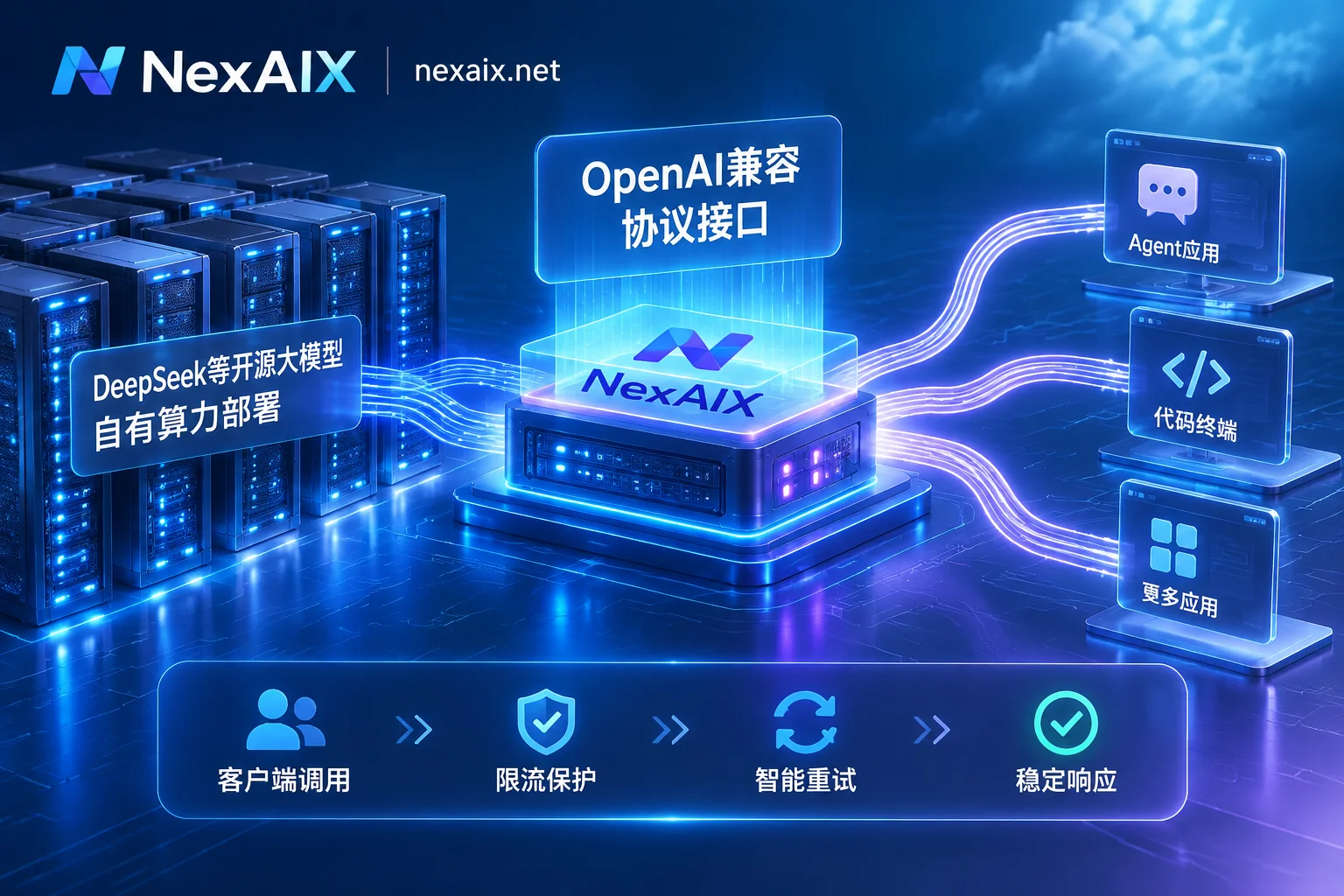
Take NexAIX as an example: each model page indicates the supply method (self-deployed computing power or official authorized channels), the endpoint is https://api.nexaix.net/v1, conversation content is not logged, quotas and rate limits are public, and isolation is by API Key. You can view the full configuration example in the integration documentation.
Key Call Parameters
Thinking Mode
V4 Pro and V4.1 Flash have Thinking Mode enabled by default, and the model outputs its reasoning process in the response. If not needed, you can disable it in the request:
response = client.chat.completions.create(
    model="deepseek-v4-pro",
    messages=[{"role": "user", "content": "..."}],
    extra_body={"thinking": False}  # 关闭思考模式
)
Note that FIM (Fill-in-the-Middle) capability is only available in non-thinking mode. If you need code completion scenarios, remember to disable Thinking.
Multimodal Input (Flash Only)
V4.1 Flash natively supports visual input, and you can pass an image URL or Base64 directly in messages:
response = client.chat.completions.create(
    model="deepseek-flash",
    messages=[
        {
            "role": "user",
            "content": [
                {"type": "text", "text": "图中的代码有什么问题?"},
                {"type": "image_url", "image_url": {"url": "https://..."}}
            ]
        }
    ]
)
V4 Pro does not support multimodal. If you pass visual input to deepseek-v4-pro, it will error. This feature can be used to verify whether silent model swapping has occurred (explained below).
Context and Output Length
Both versions support 1M context and a maximum output of 384K tokens. If you need long output, set max_tokens:
response = client.chat.completions.create(
    model="deepseek-v4-pro",
    messages=[...],
    max_tokens=8192  # 根据需求调整
)
Other Capabilities
- Tool Calls: Natively supports OpenAI-format
toolsparameters andtool_choice - JSON Output: Supports
response_format={"type": "json_object"} - Chat Prefix Completion: Can prefill the beginning in the
assistantmessage - Responses API: Compatible with Anthropic-format structured output
These capabilities are available in official documentation and compatible relay stations, with configuration consistent with the OpenAI API.
Verification Methods: Avoiding Silent Model Swapping and Precision Reduction
Because DeepSeek officially proposed a routing adjustment plan (later withdrawn), and some third-party gateways have implementation differences, production environments need to verify the following four points:
1. Output Speed Check
V4.1 Flash output speed reaches 200+ tokens/s, significantly higher than V4 Pro. If you find that responses are too fast when calling deepseek-v4-pro (close to 200 tps), it may be routed to Flash.
Test method: calculate tokens generated per second in streaming output:
import time

start = time.time()
tokens = 0

for chunk in client.chat.completions.create(
    model="deepseek-v4-pro",
    messages=[{"role": "user", "content": "写一个快速排序的实现"}],
    stream=True
):
    if chunk.choices[0].delta.content:
        tokens += 1

elapsed = time.time() - start
print(f"速度: {tokens / elapsed:.1f} tokens/s")
If the speed consistently exceeds 150 tps, confirm with the provider.
2. Multimodal Rejection Mechanism
V4 Pro does not support visual input. Send a request with an image to deepseek-v4-pro; normally it should return an error or refuse processing. If it can normally return visual analysis results, it means it has been routed to Flash.
try:
    response = client.chat.completions.create(
        model="deepseek-v4-pro",
        messages=[
            {
                "role": "user",
                "content": [
                    {"type": "text", "text": "描述这张图"},
                    {"type": "image_url", "image_url": {"url": "https://..."}}
                ]
            }
        ]
    )
    print("警告:V4 Pro 不应支持多模态,可能被路由到 Flash")
except Exception as e:
    print(f"符合预期的拒绝: {e}")
3. Long-Context Attention Recall
Both versions claim to support 1M context, but if quantized or downgraded, long-distance attention will degrade. The test method is to insert a special marker in the middle of the context and have the model recall it in the final instruction:
long_context = "前缀内容..." + "\n[MARKER:XYZ123]\n" + "...后续大量文本"

response = client.chat.completions.create(
    model="deepseek-v4-pro",
    messages=[
        {"role": "user", "content": long_context},
        {"role": "user", "content": "上文中出现了什么特殊标记?"}
    ]
)

if "XYZ123" not in response.choices[0].message.content:
    print("警告:长上下文召回失败")
If multiple tests fail to correctly recall the information in the middle position, the weights may have been quantized or the context window truncated.
4. Code Evaluation Set
V4 Pro should perform significantly better than Flash on programming tasks. Prepare several medium-complexity algorithm problems (such as dynamic programming, graph algorithms) and compare the output quality of the two models. If deepseek-v4-pro shows no significant difference from deepseek-flash, you should suspect model consistency.
These four verifications can be run when switching providers or when anomalies are found, ensuring production environment stability. If the chosen relay station clearly indicates the supply method (official authorized channels) on its model page and publicly commits to no downgrading, the risk will be relatively controllable.
What to Do Next
If this is your first integration, you can first run basic calls in a test environment to confirm that Thinking Mode and multimodal input behavior meet expectations. If you already have an OpenAI API integration, migrating to DeepSeek V4 only requires changing base_url and the model name, but be sure to verify whether the provider strictly guarantees model consistency.
For rate limiting handling, SSE parsing for streaming output, and Tool Calls configuration details, you can refer to How to Integrate Streaming Output API and How to Integrate Agent API. If you need to view the specific supply methods, rate limits, and quotas of the DeepSeek V4 series, visit NexAIX Model List.


Comments(0)