 NexAIX-官方博客
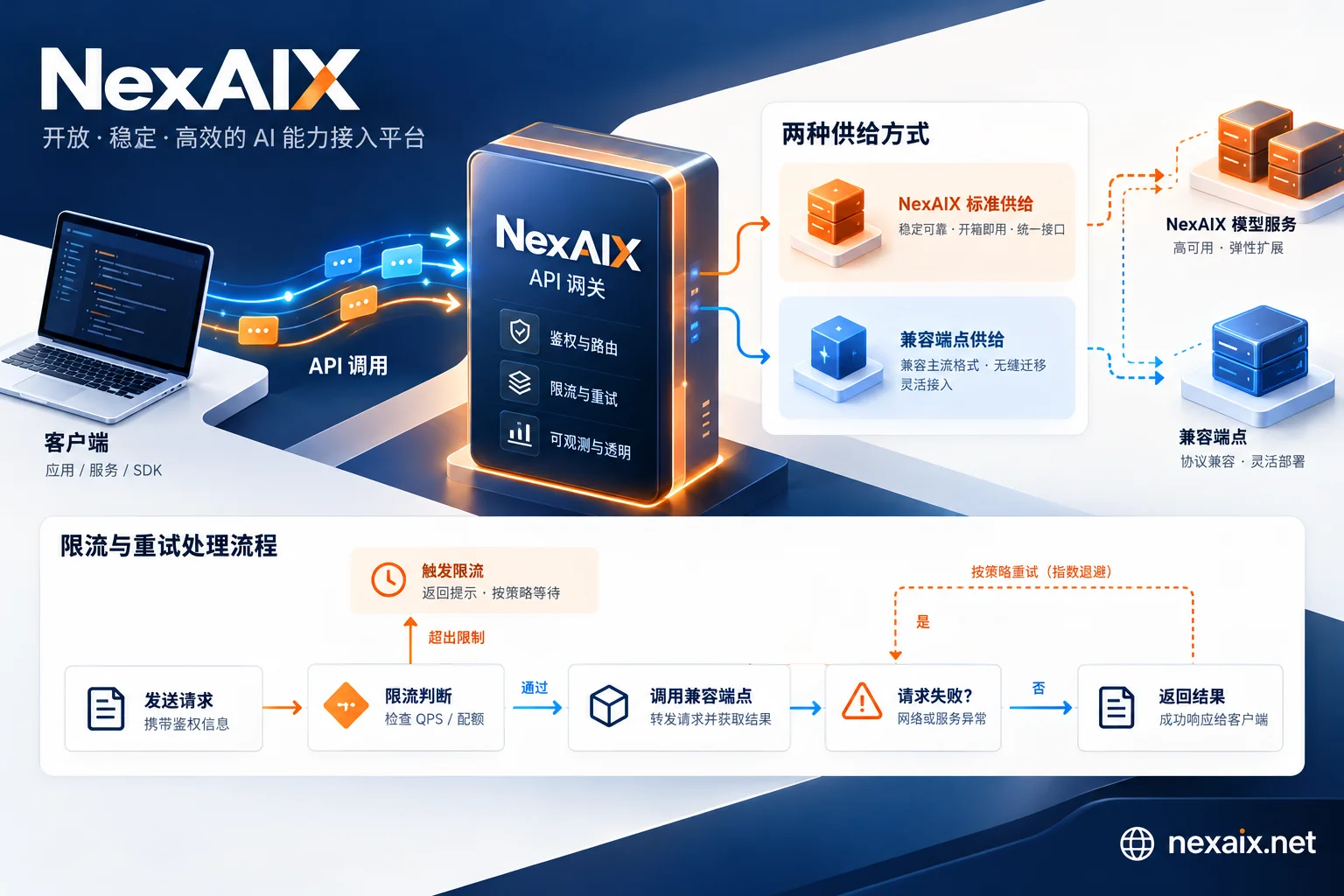
Enterprise AI API Chaos: How to Build Production-Grade LLM Infrastructure Through "Transparency" Governance
The AI API market's "deep waters" are churning with hidden currents. Faced with compliance pressure in production environments, model downgrade chaos, and unpredictable stability, how can enterprise developers establish a transparent, auditable standard for AI API calls? NexAIX provides an OpenAI-compatible unified access layer that returns to production fundamentals.
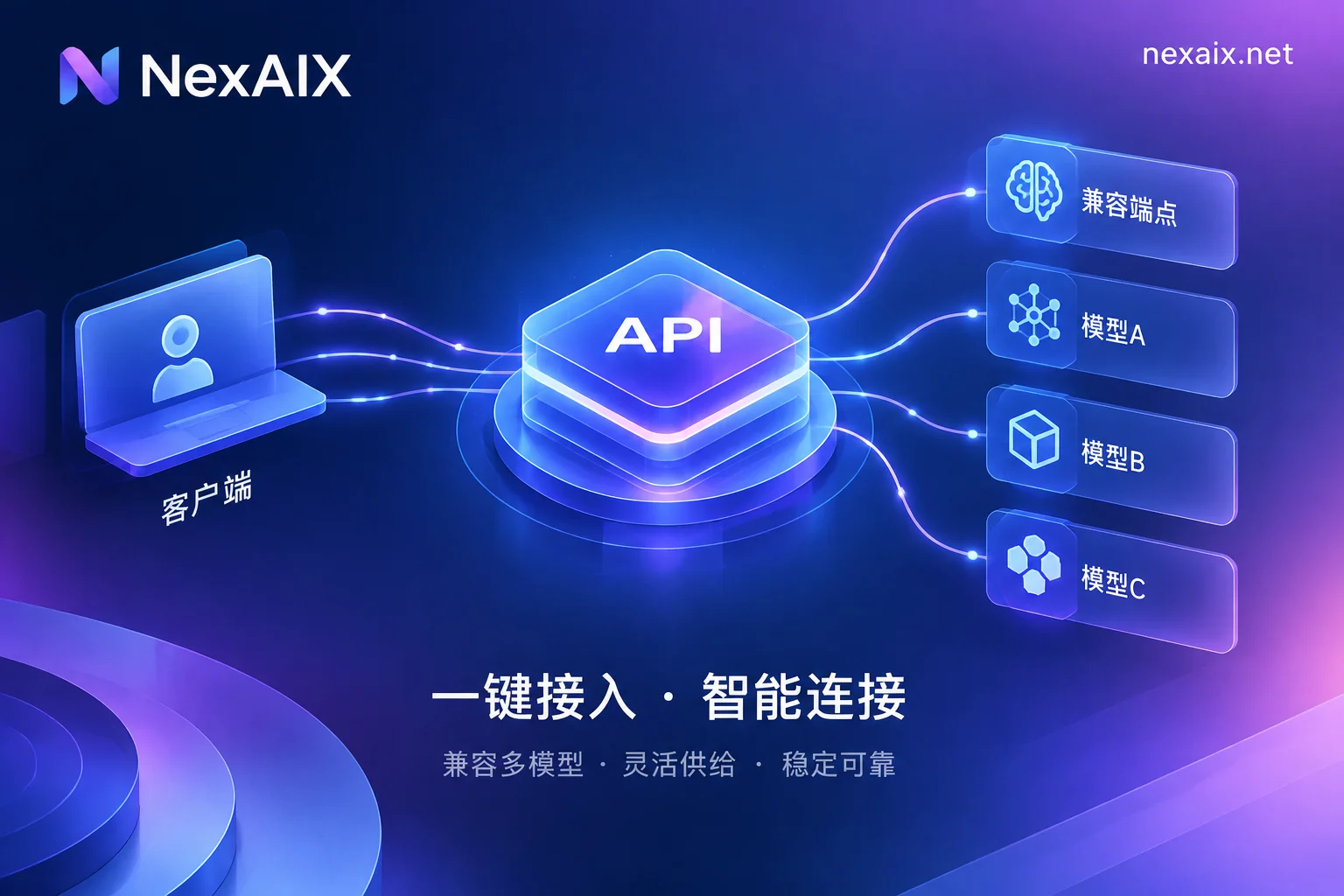
New Approach to Claude API Access: Balancing Production Compliance and Zero Data Retention
Addressing the hot demand for Claude models in enterprise applications, this article explores how to access officially authorized channels while ensuring compliance, and leverage NexAIX's OpenAI-compatible endpoint for smooth migration and secure management.
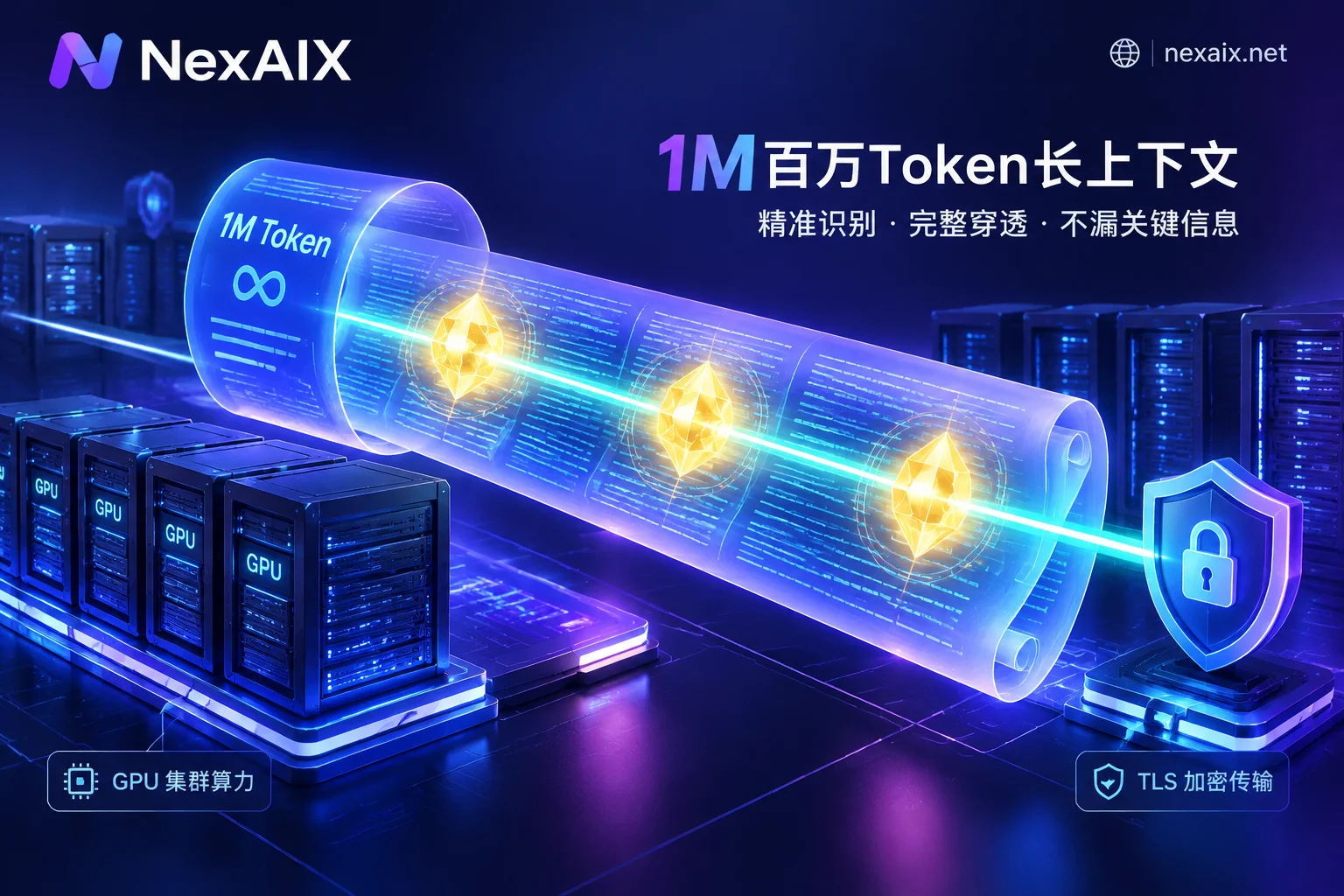
Long-Context API Production Deployment Guide: Avoiding Memory Truncation, NIAH Recall Stress Testing, and Hybrid Model Scheduling
As million-token windows become mainstream, long-context APIs face challenges like hidden truncation, lost-in-the-middle accuracy degradation, TTFT spikes, and data compliance. This article analyzes the underlying KV Cache bottlenecks, provides reproducible stress testing methods for extreme lengths and multi-needle recall, and introduces how to achieve reliable production calls with NexAIX's full-spec compute and single-endpoint hybrid architecture.
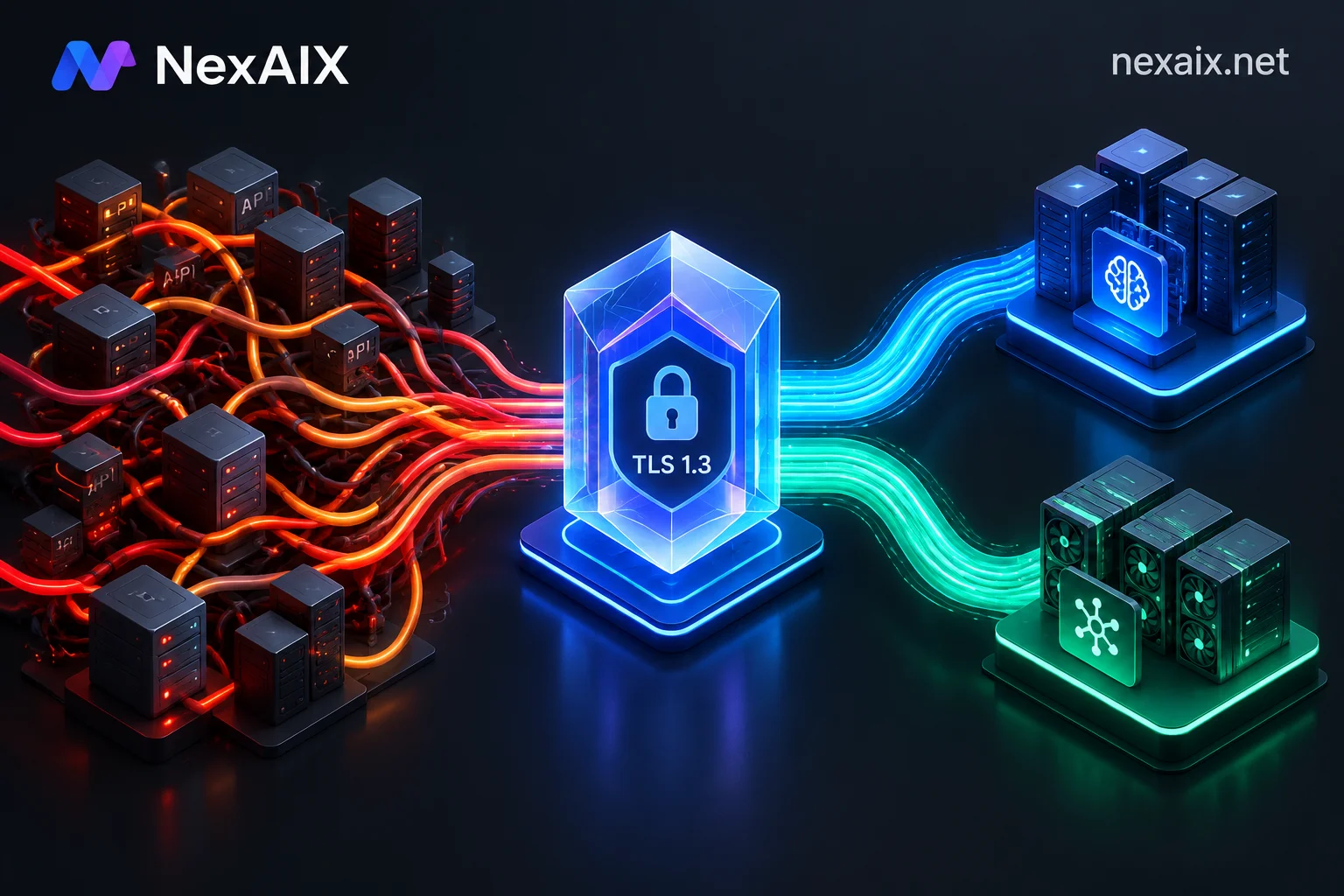
OpenAI API Migration Guide: Navigating Proprietary Lock-in, Stateless Refactoring, and Production Gray Switching
As the Assistants API shuts down in 2026 and proprietary interfaces change rapidly, this guide explains how to migrate from stateful proprietary APIs to standard stateless Chat Completions, unify multi-model endpoints, and achieve zero-downtime production migration with shadow traffic and multi-key isolation.
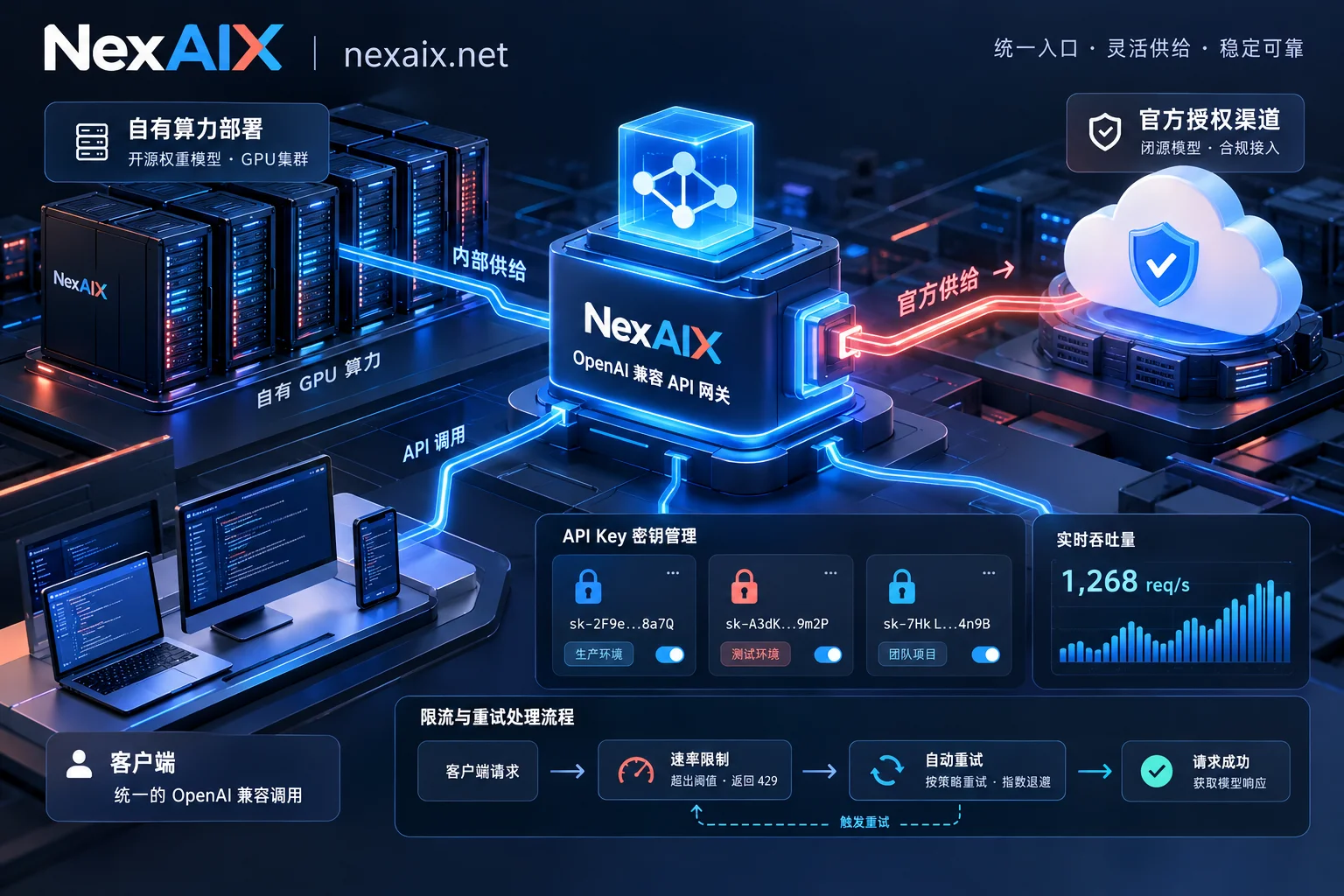
High Availability and Security Guide for LLM APIs in Production: Coping with Single Points of Failure, Key Leaks, and Compute Throttling
Combining recent industry hot topics such as LLM service outages, API key leaks from third-party tools, and tightening compute for leading models, this article provides an in-depth analysis of practical solutions for production-grade LLM API calls in disaster recovery architecture, per-key isolation, and selection of self-owned compute and officially authorized channels.
