 NexAIX-官方博客
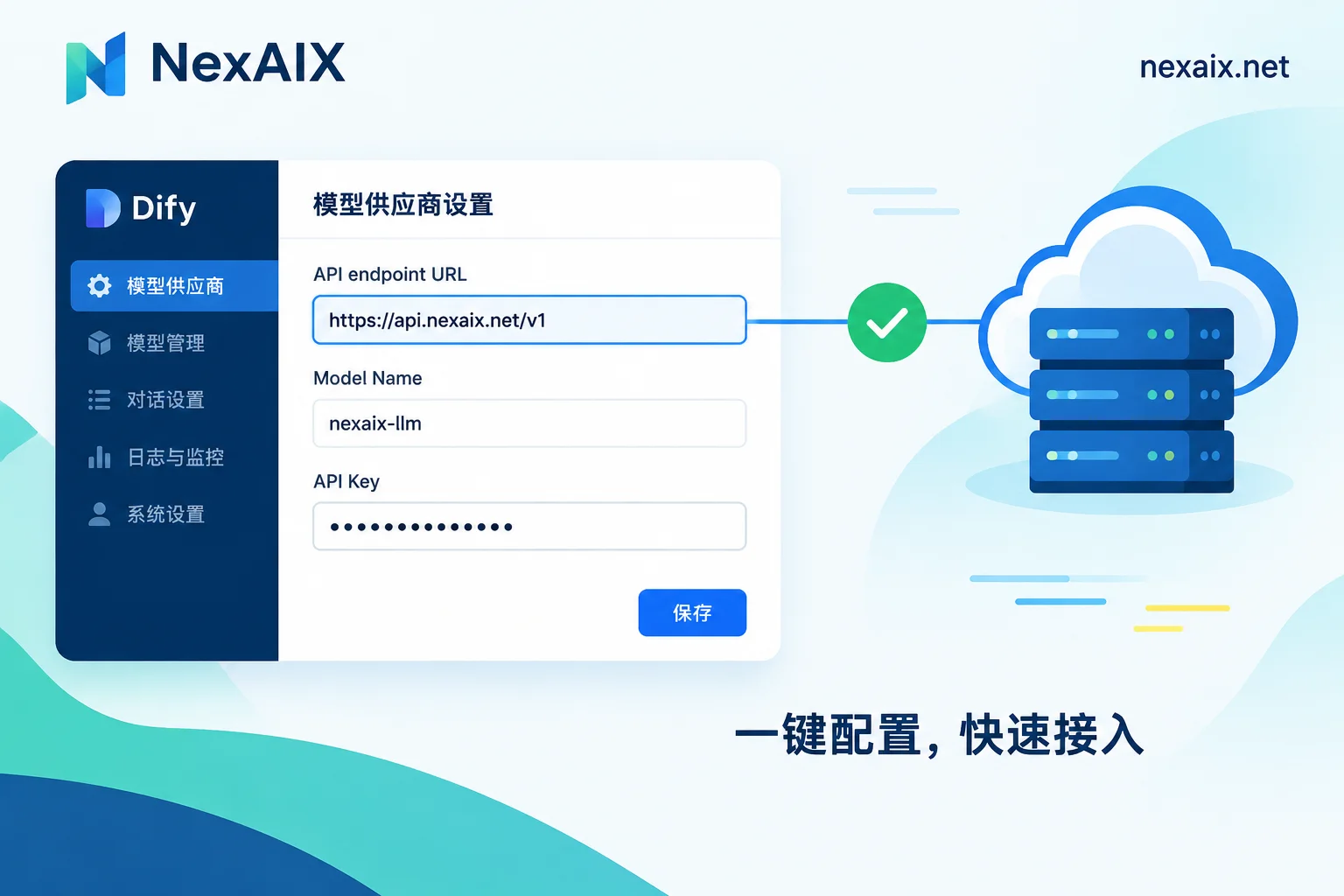
Adding an OpenAI-Compatible Model in Dify: How to Fill the base_url, Whether to Include /v1, and How to Troubleshoot Save Failures
In Dify's OpenAI-API-compatible provider, the LLM API endpoint URL must be written as "protocol + domain + /v1" with no trailing slash; this article explains how to fill each field and how to troubleshoot save failures such as 404s from missing /v1, /v1/v1 on non-LLM models, mismatched model names, and misused localhost in Docker.
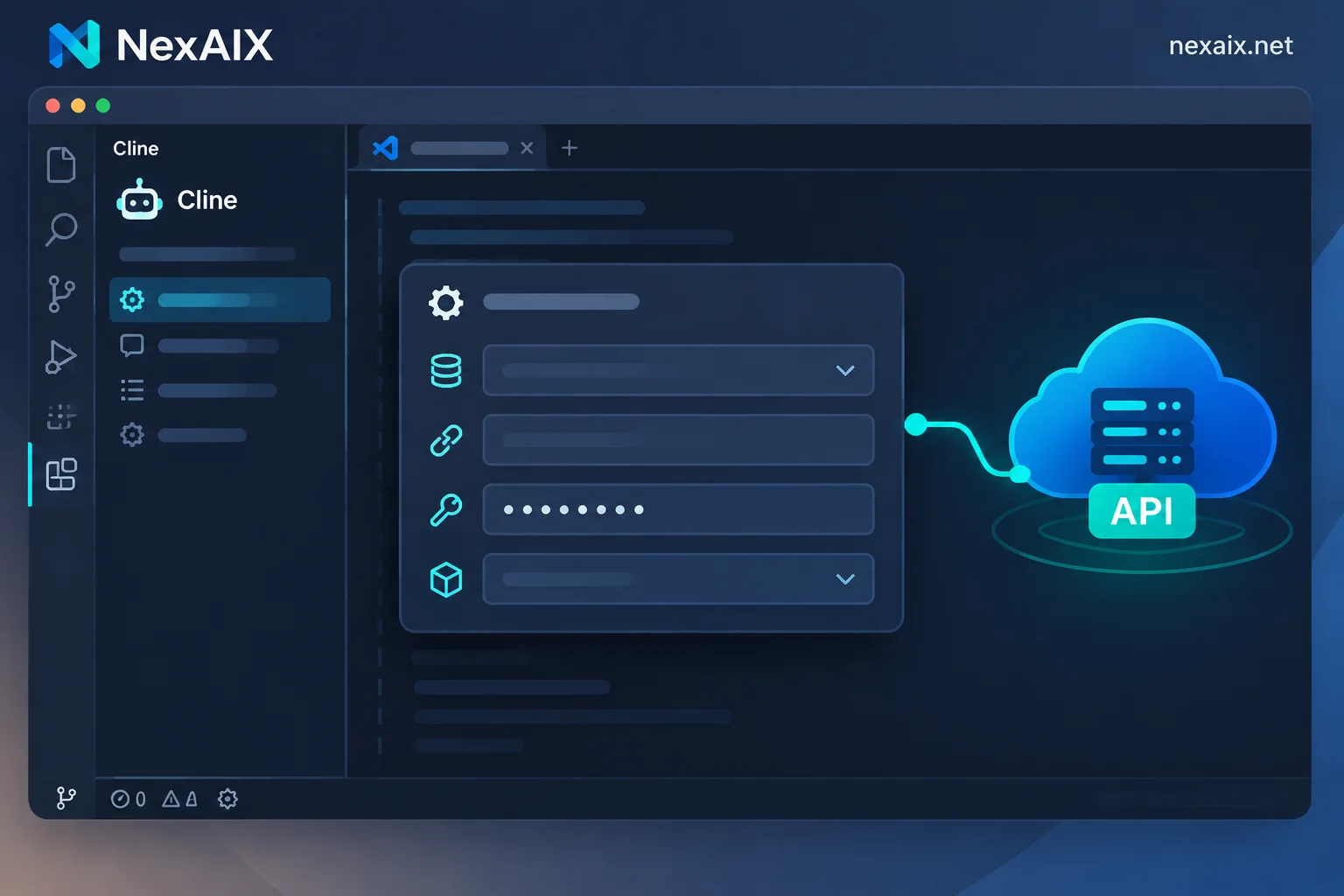
How to Configure a Custom Model API in Cline: Base URL, Key, and Model Parameters for OpenAI Compatible
Integrate third-party or self-hosted OpenAI-compatible endpoints in Cline by selecting OpenAI Compatible as the API Provider, then filling in the Base URL with /v1, the API Key, and the exact Model ID, and finally setting the context window and output limit according to the model specs. This article explains each field in configuration order and provides troubleshooting for common errors.
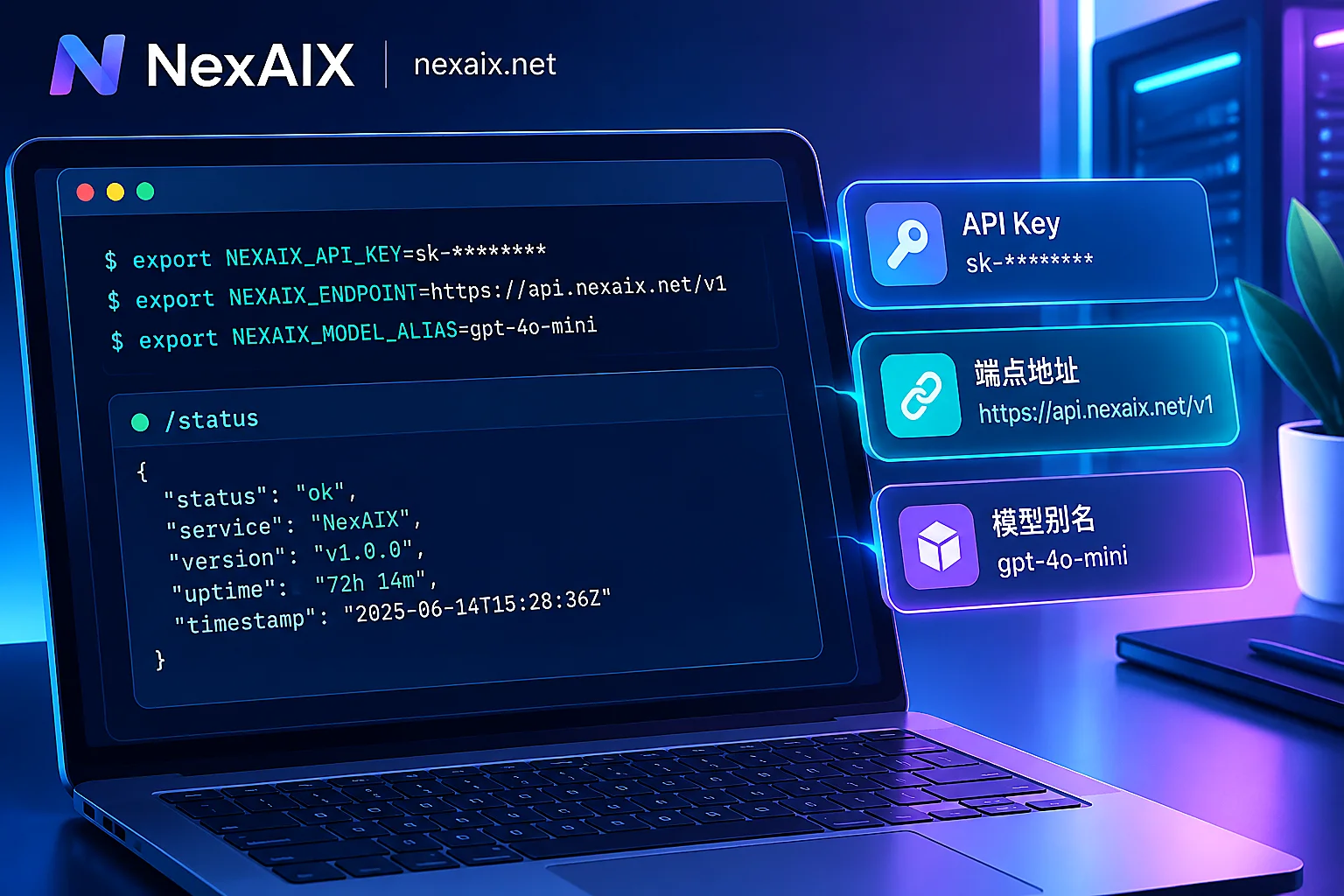
Claude Code API Configuration: API Key, Base URL, Model Aliases, and Verification
Configure Claude Code's API key, custom endpoint, and model aliases step by step, including the difference between the two authentication variables, the precedence of settings.json over shell variables, protocol compatibility, and verifying with /status.
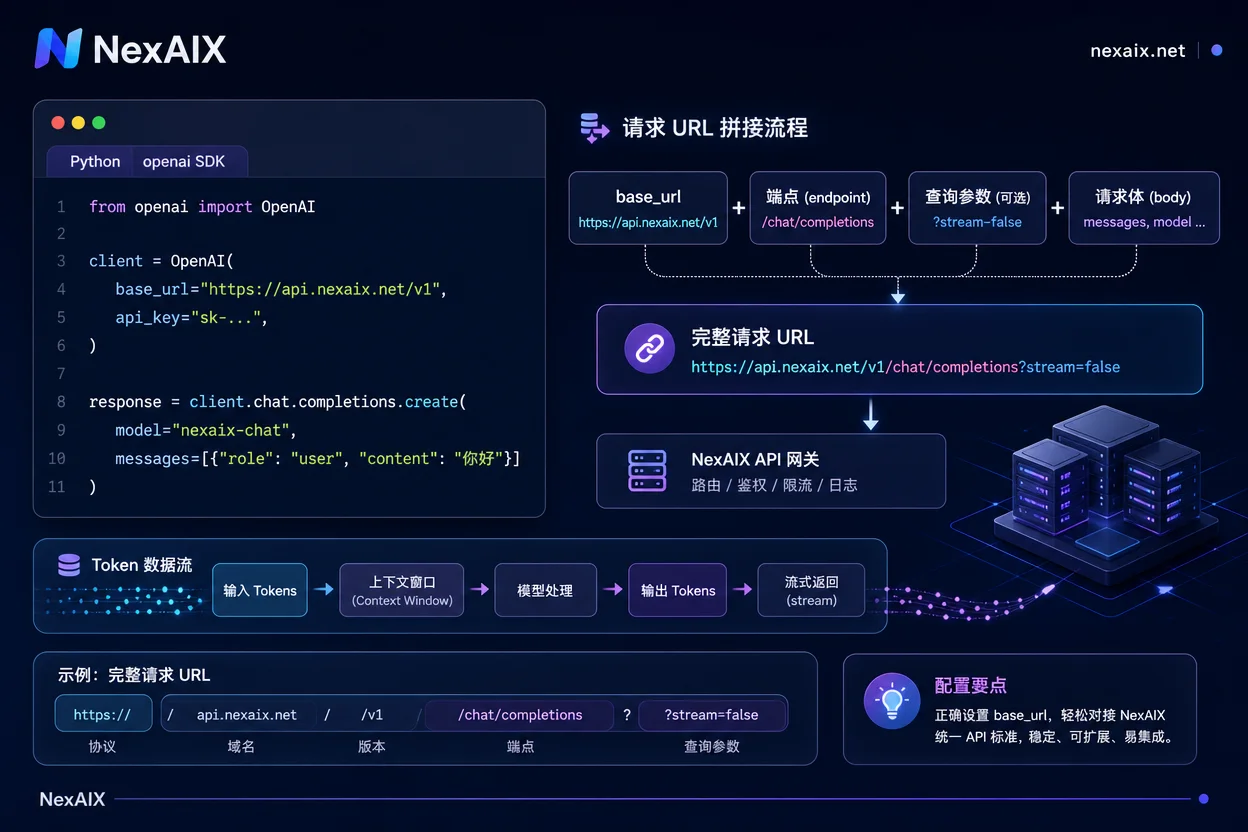
How to Change OpenAI base_url: Three Ways and Error Reference
This article explains how to configure OpenAI base_url in Python, Node, and curl, clarifying the /v1 suffix and priority, and uses an error comparison table to solve common issues like 404 and 401.


